ancoreMaps for Qlik: documentation

ancoreMaps 3.1 is a map visualization extension for Qlik Sense and QlikView. Use it to explore location-based business data with points, areas, routes, layers, classifications, and interactive selections.
This documentation covers configuration and operation of ancoreMaps 3.1. It retains essential reference material from the former NPGeoMaps 3.1 documentation, while using the current ancoreSoft product name and documentation structure.
Start here
- Get started to add ancoreMaps to a Qlik Sense app and configure a first map.
- Install, update, and license ancoreMaps for deployment guidance.
- Configure ancoreMaps for map providers, layers, objects, appearance, and expressions.
- Review the version information when you work with an established ancoreMaps deployment.
Capabilities
ancoreMaps supports point, line, path, area, heatmap, chart, and grid-style map visualizations. You can use background map providers and tile services, classify data, work with layers, and configure visual behaviour with Qlik fields, variables, and expressions. The available options depend on the installed product version and the map provider you configure.
Documentation scope
The ancoreMaps 3.1 reference is maintained for existing Qlik Sense and QlikView solutions. Some screenshots, configuration labels, and linked material retain the historical NPGeoMaps name. These references describe the same product lineage; do not treat the old name as a separate installation.
Previous documentation
The following documentation versions remain available for reference:
- ancoreMaps 3.1 for Qlik Sense® and QlikView®
- ancoreMaps 2.5 for Qlik Sense® (legacy)
- ancoreMaps 2.5 for QlikView® (legacy)
- Supplementary PDF tutorials
Formerly NPGeoMaps
NPGeoMaps is now ancoreMaps. The NP family of products is part of ancoreSoft, and existing dashboards and map objects continue to use the same product lineage and capabilities under the ancoreMaps name.

Supplementary PDF tutorials
The following tutorials complement the product documentation.
Installation and Licensing
Getting Started
How To — Drill Down Map
Background Maps
ancoreMaps can display a variety of third-party maps as a background layer. The following documents explain the required keys and tokens.
| Provider | Qlik Sense | QlikView |
|---|---|---|
| Google Maps | Tutorial | Tutorial |
| HERE | Tutorial | Tutorial |
| Mapbox | Tutorial | Tutorial |
Historical ancoreMaps 3.1 reference
The content below preserves detailed material from the classic NPGeoMaps 3.1 manual. It is retained for existing deployments; use the current navigation and configuration reference for the preferred documentation path.
Version note: This documentation covers ancoreMaps 3.1, originally published as NPGeoMaps 3.1. Historical screenshots and configuration labels may still use the previous name.
Welcome to ancoreMaps 3.1 for Qlik Sense® and QlikView®
ancoreMaps is an Extension for Qlik Sense and QlikView for visualizing geographical business data, to give analytical information on customer behavior, area distribution, case numbers, catchment areas and many more - fast and flexible!
You can display your data with various objects and features - Points, Maps, Lines/Paths, Spheres, Isochrones, Circle Cluster, Hexagon Grid, Choropleth Maps, Heatmaps, Charts, PopUps, MouseOvers, ... and background maps like GoogleMaps, OpenStreetMaps, WMS or your own Tileserver.
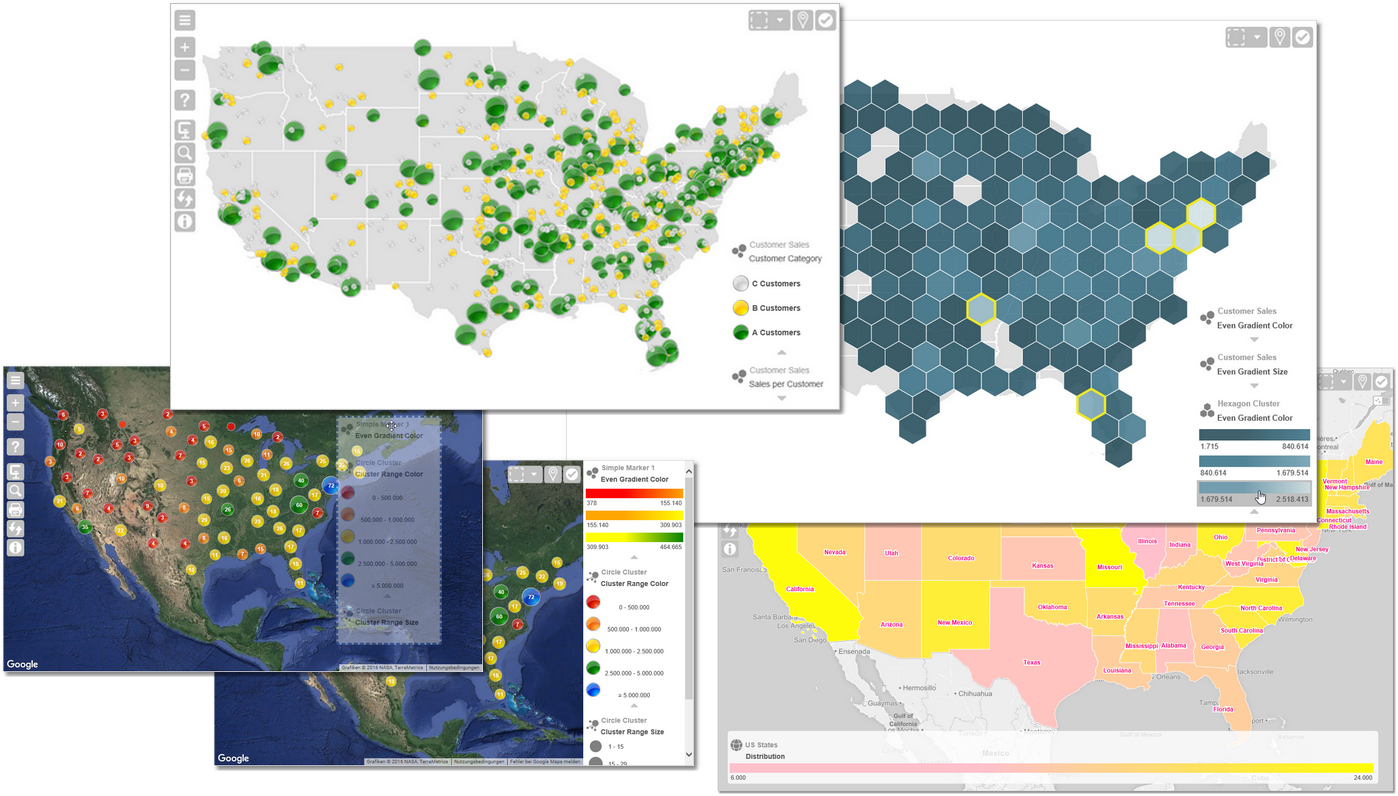
| Color Highlighting Sales and KPIs with automatic Classes | Patterns for Polygons | Circle Cluster and Hexagon Grid (live!) | ||
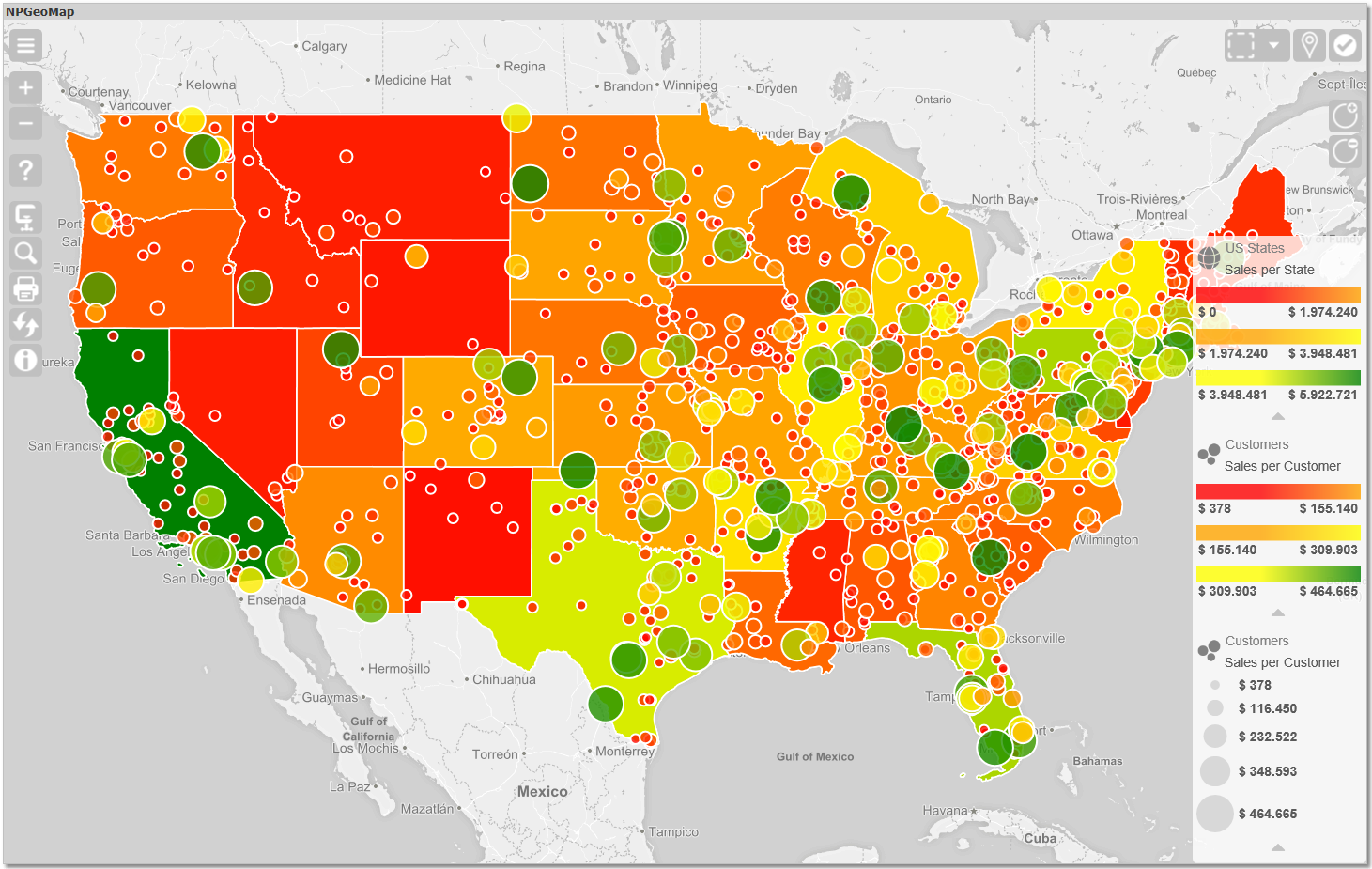 | 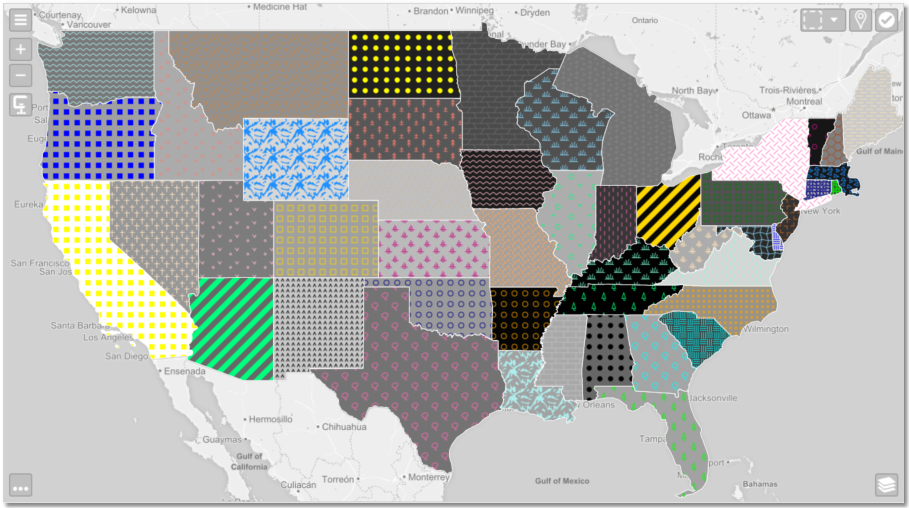 | 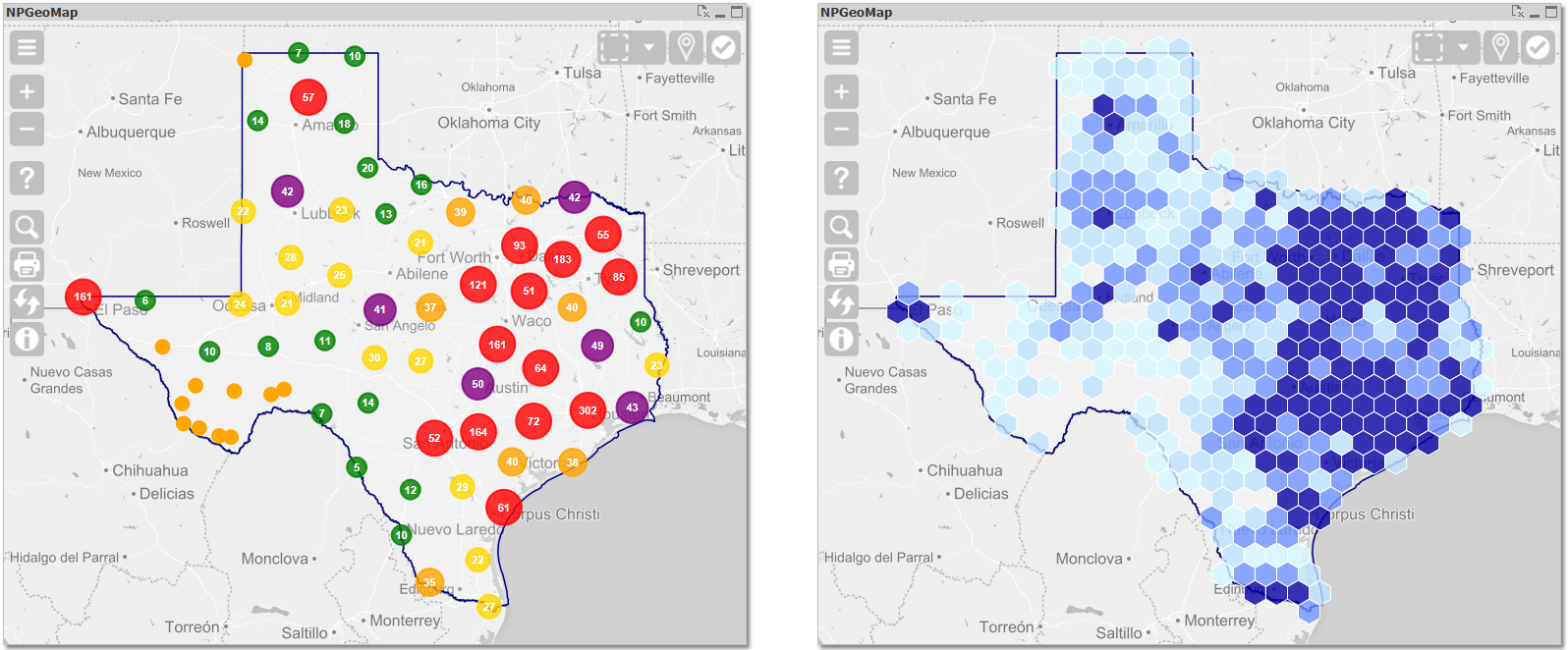 | ||
| Charts, PopUps and integrated Qlik visualizations | Isochrones show Areas and Limits of Travel Time or Distance around a starting Point | Comprehensive Legends with Analytical Features | ||
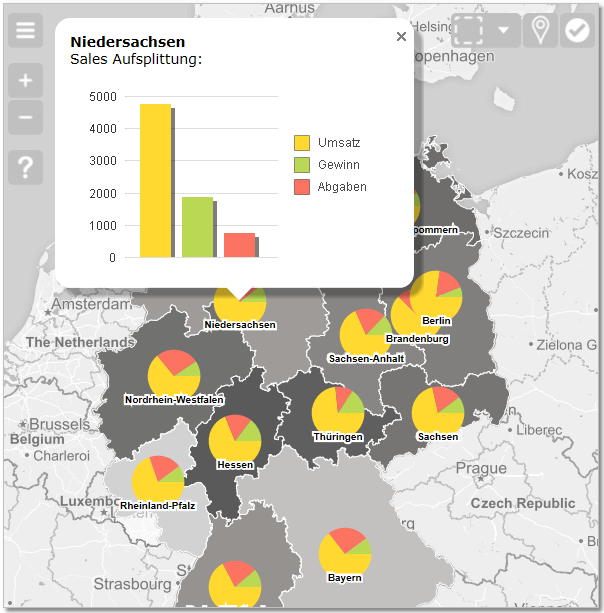 | 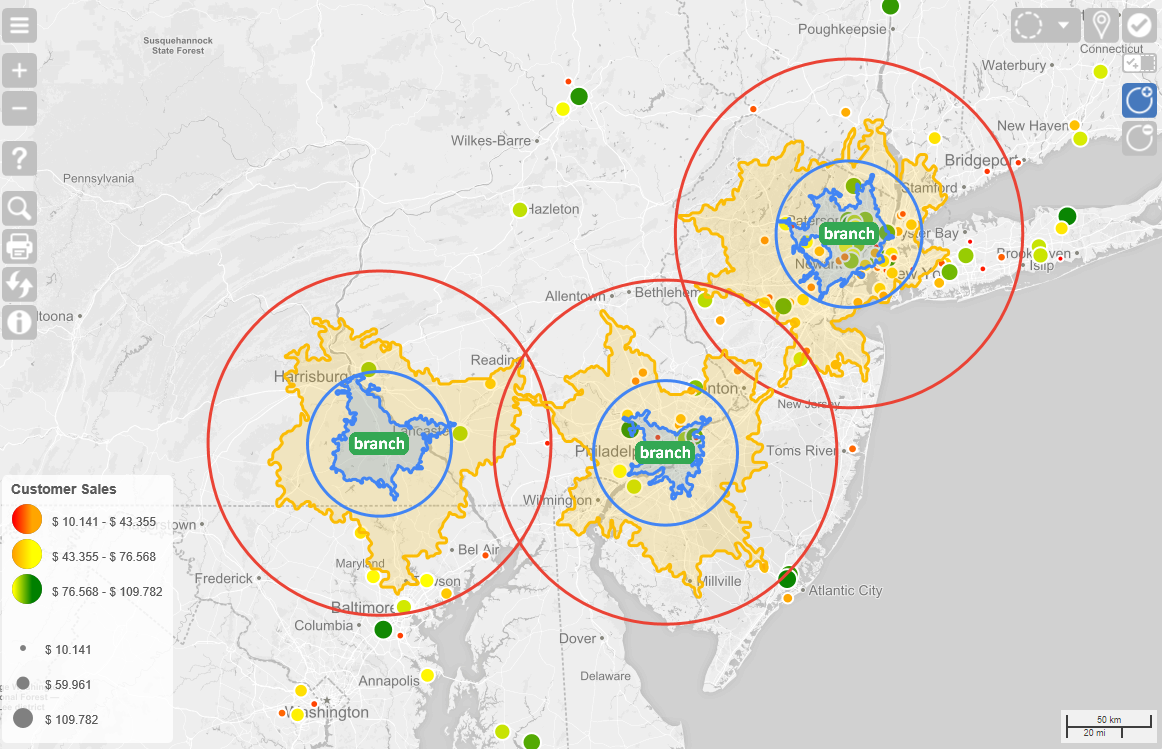 |  | ||
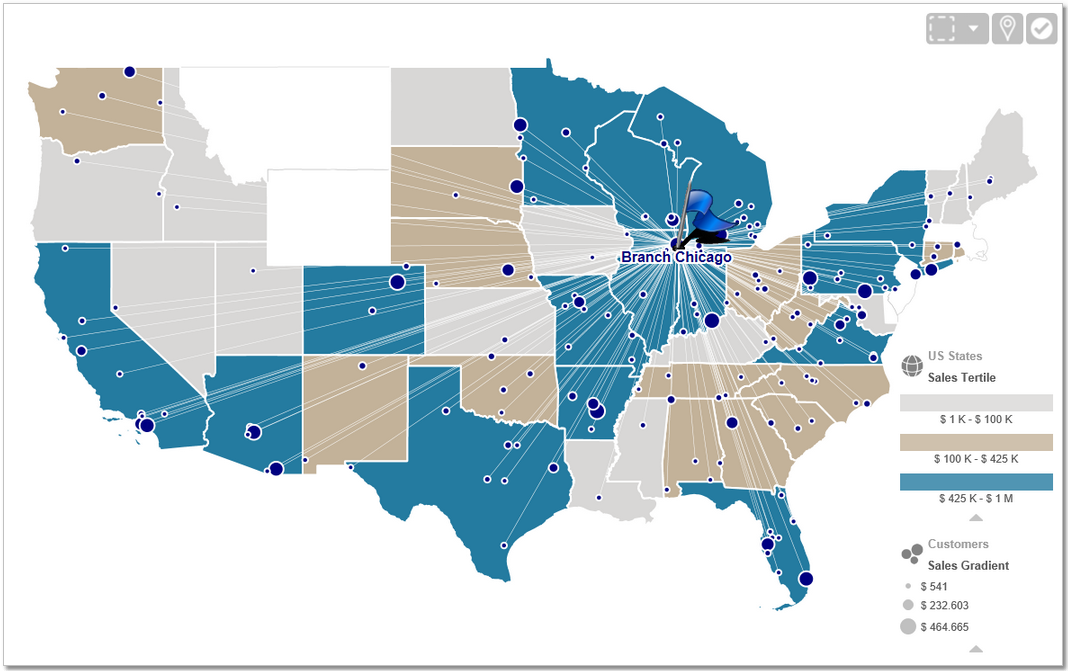
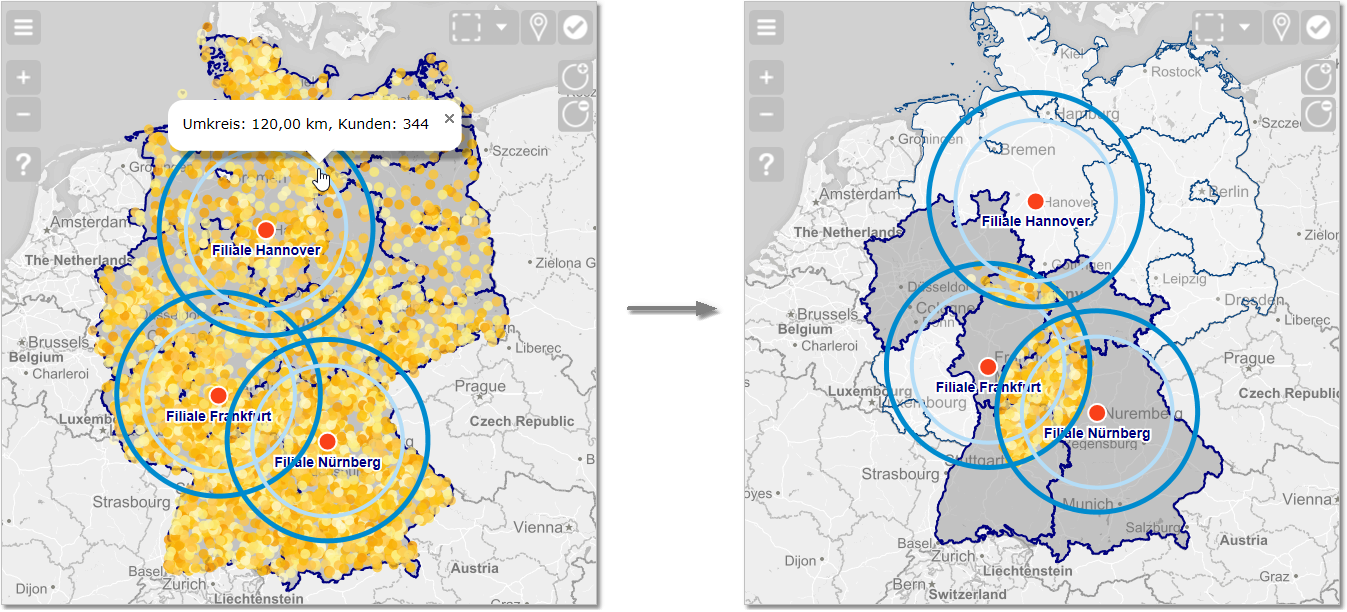
| Display Relations between different Data Groups (Customers, Branches, Suppliers,...) | Catchment Areas and Intersection Selections | Lines and Paths for displaying Routes and Traffic | ||
 |  | 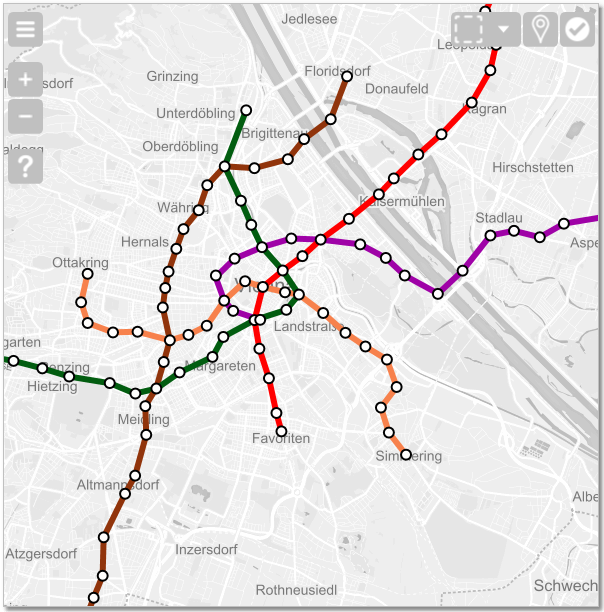 | ||
| Show Distribution and Density with a Heatmap | Many Combination Possibilities | Flight Paths and Beelines with Great Circles, even across Date Line | ||
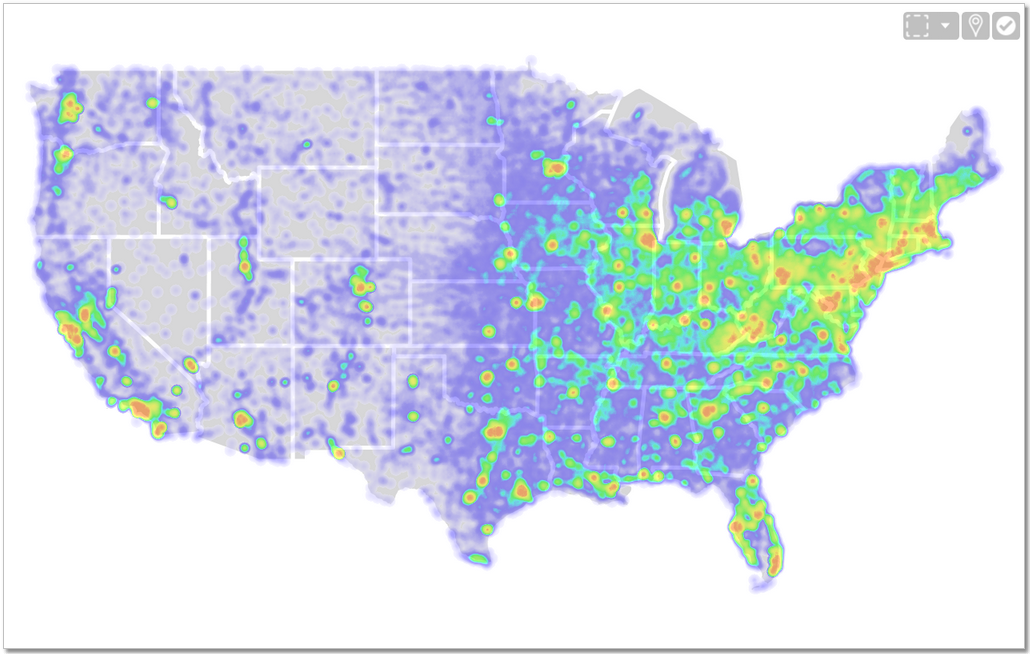 | 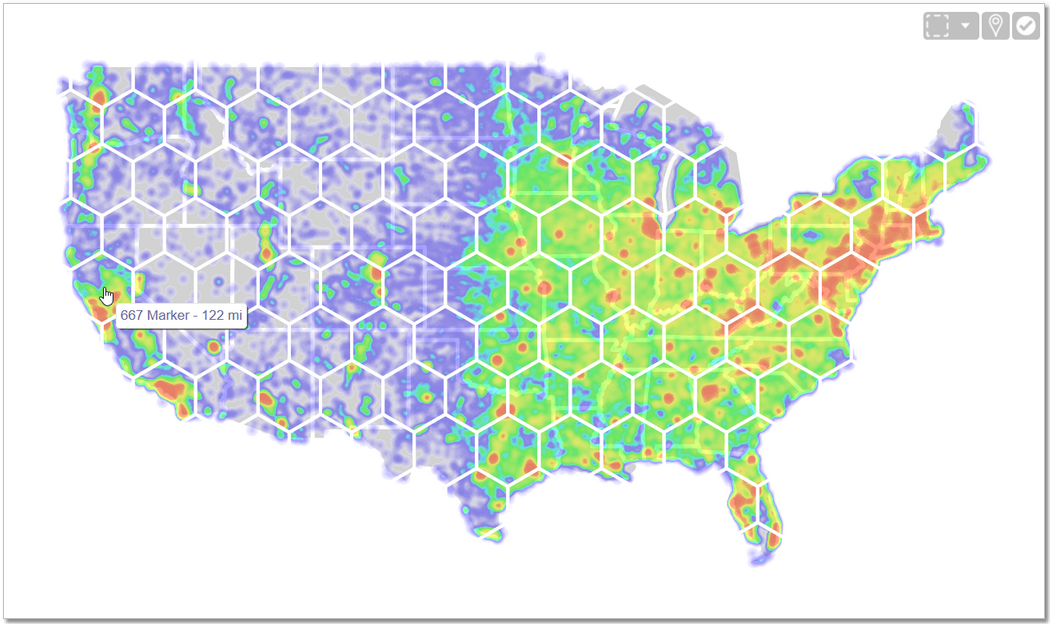 | 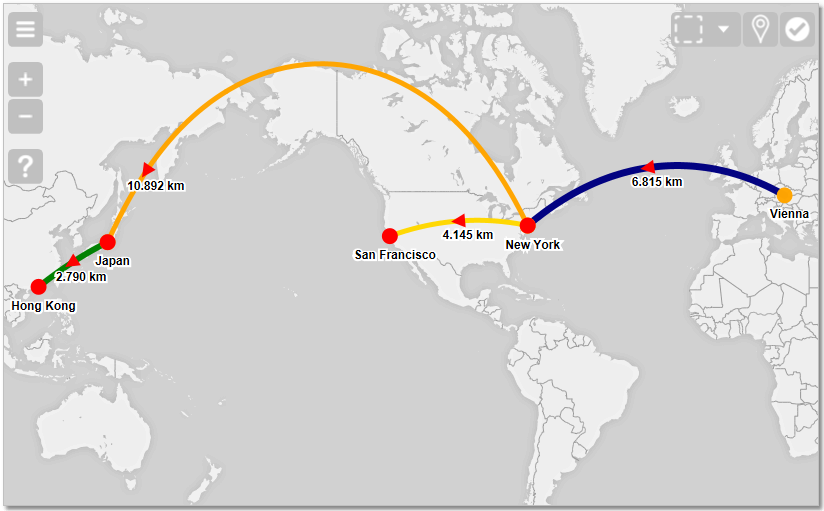 | ||
| SVG - draw whatever you need | Tool for automatically relating Markers (Points) to their geographically belonging Polygon (Area) | Wide Range of Background Maps | ||
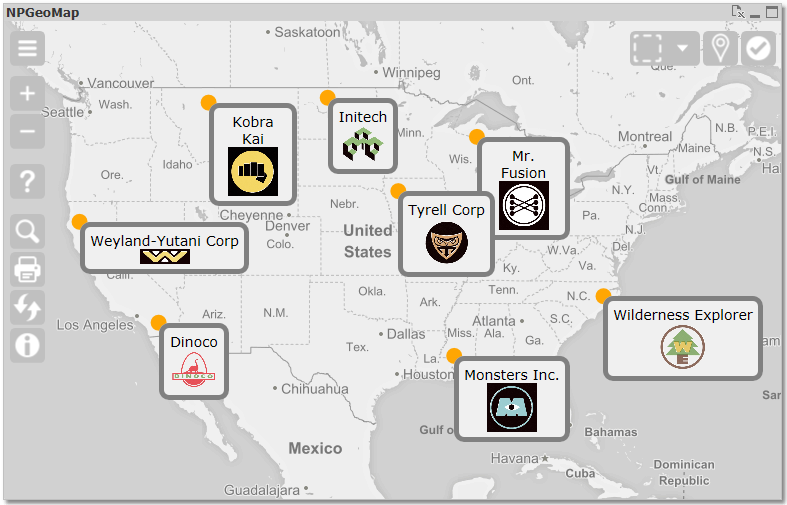 | 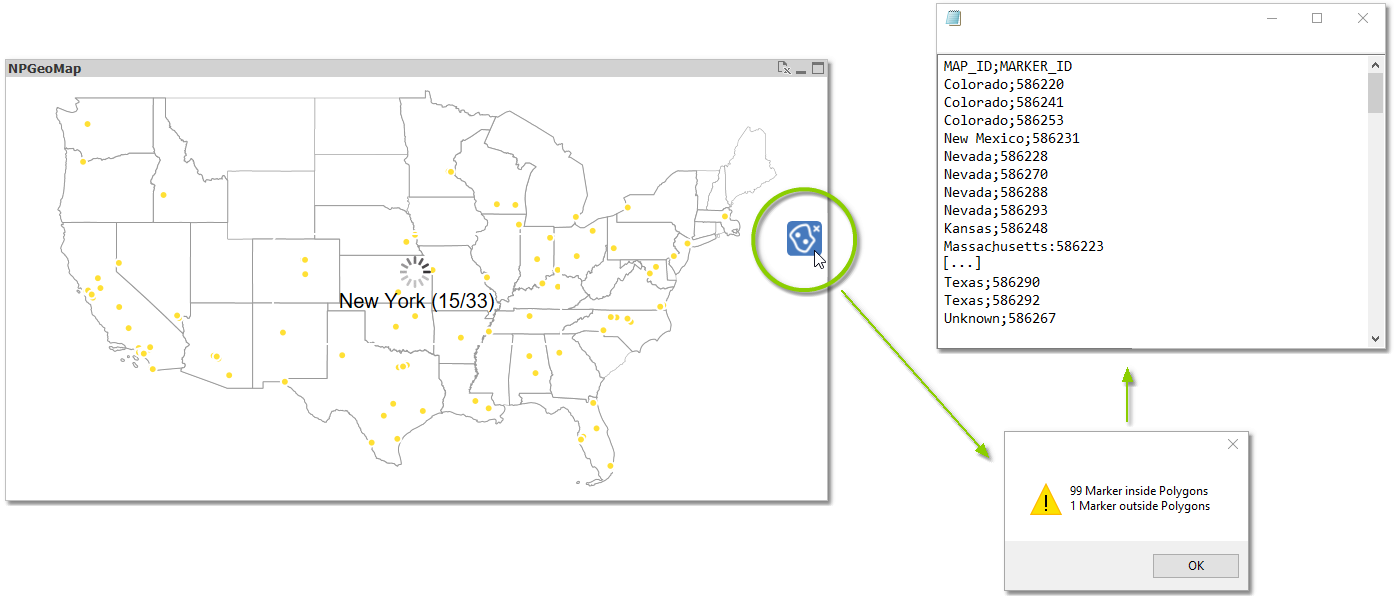 | 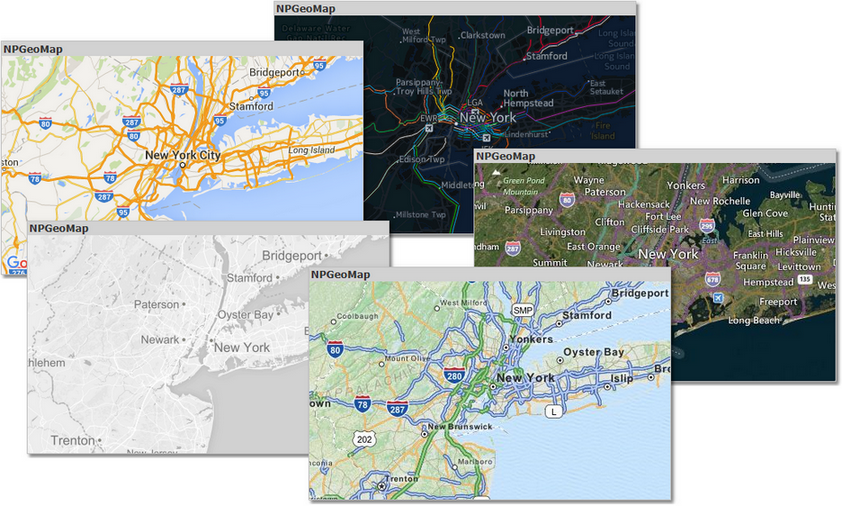 | ||
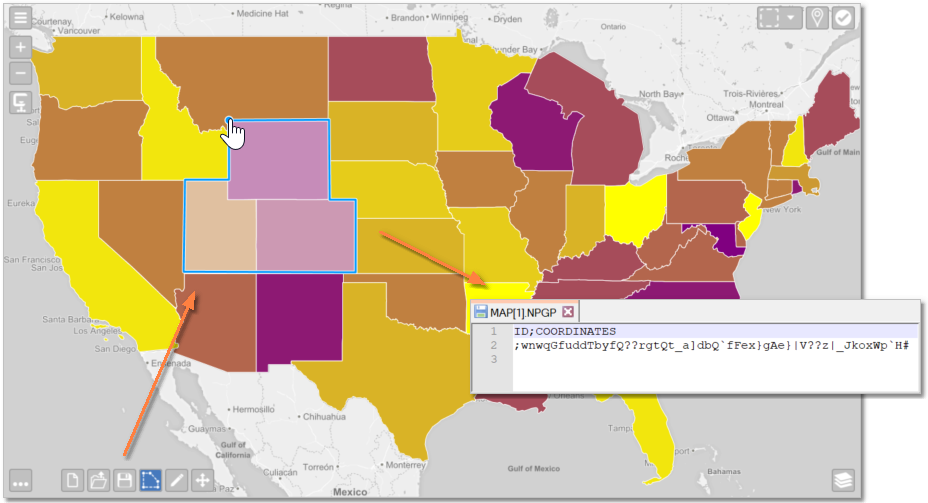
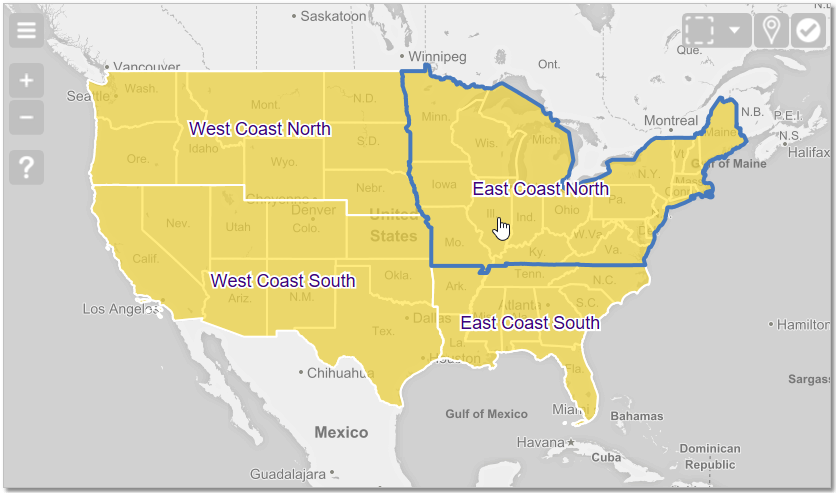
| Comprehensive Options for making Selections | Draw your own Maps on the fly | And with our Add-On NPMapMaker: Create Custom Maps, such as Sales Regions or Catchment Areas | ||
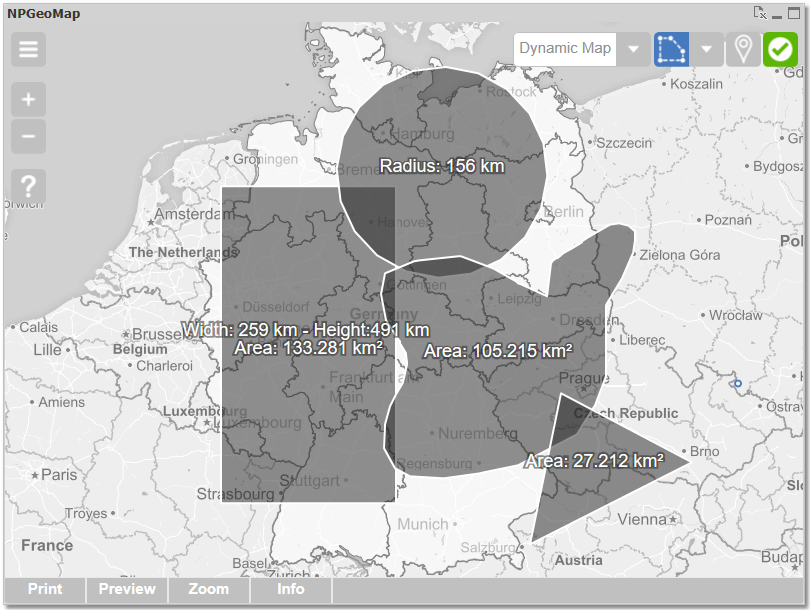 |  |  |
All features and designs are highly flexible in configuration - presentation, formats, colors, sizes, types, captions, labels, effects, ... The whole object is interactive - many settings are dynamic and can be configured with Qlik formulas, fields and variables. Comprehensive selection possibilities allow an easy, flexible and intelligent reduction of data.
ancoreMaps can be installed with one click and does not require any additional server architecture. It works on any device running an up-to-date HTML5-capable browser (IE 11 or higher, Firefox, Chrome, etc.) and even without an internet connection, ancoreMaps is able to function and produce sophisticated analytical visualizations. Moreover, your data will never leave your network! Because of its special architecture, ancoreMaps is very fast and can visualize even large numbers of data within reasonable time.
So ancoreMaps is just waiting for you to acquire new knowledge and discover your unknown potentials - Good luck!
We hope this Manual can give you answers to all questions. You're welcome to give us your feedback at www.npgeomap.com.
We wish you every success with ancoreMaps,
Peter Noindl, CEO Christian Eckler, Developer, Author Sia Eckler, Author, Quality Management, Graphics