ancoreShare for Qlik Sense reporting

ancoreShare is a reporting and distribution extension for Qlik Sense. Build multi-page, pixel-perfect reports directly from your Qlik app, then export or distribute them in the format and workflow your audience needs.
Use ancoreShare with Qlik Cloud, Qlik Sense Enterprise, or Qlik Sense Desktop to combine Qlik visualizations, sheets, tables, text, and layout elements in a reusable report design. Generate reports on demand, use selections and cycles for personalized output, and hand the resulting files to your users or downstream automation.
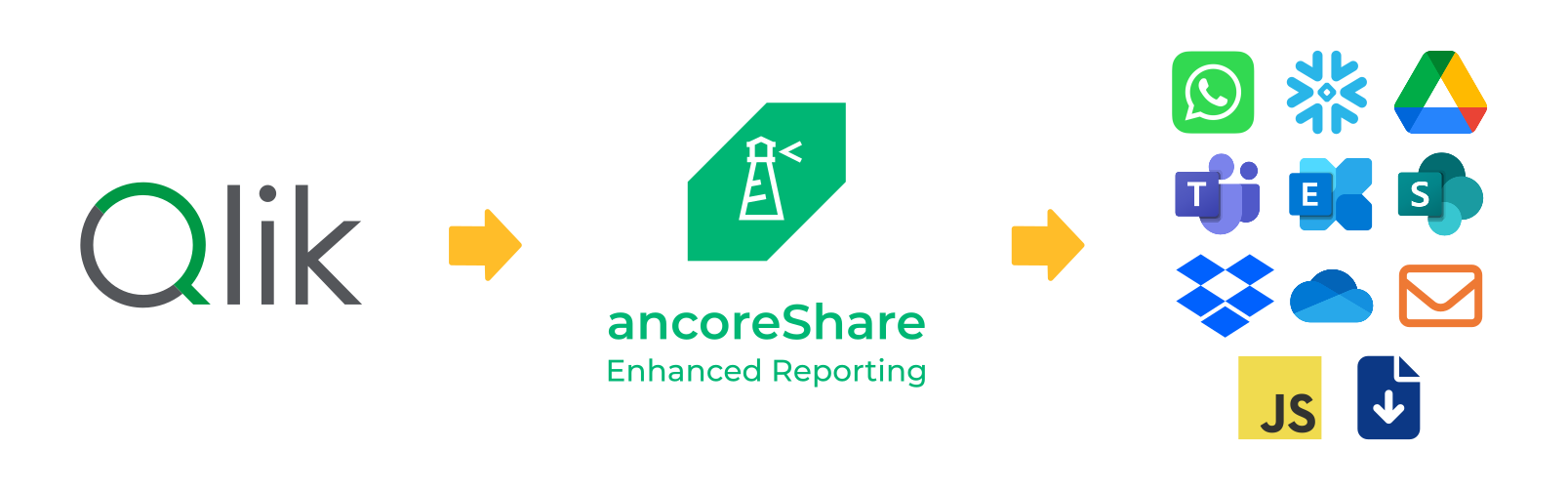
Start here
If you are new to ancoreShare, begin with installation and getting started. You will learn how to add ancoreShare to a Qlik Sense sheet, create a first report, and generate an output you can review.
Choose a path that matches your goal:
- Design reports to create layouts, add Qlik objects, and control page content.
- Generate reports to run a report manually or from an automated workflow.
- Share reports to configure exports and delivery options.
- Use ancoreScript when you need custom logic or destinations.
What you can do
- Design reports in Qlik Sense. Combine charts, tables, sheets, text, images, lines, page numbers, and a table of contents in a multi-page layout.
- Create targeted output. Use selections, expressions, and cycles to generate reports for a specific recipient, region, customer, or reporting period.
- Export to common formats. Produce PDF, PowerPoint, Excel, CSV, PNG, HTML, or Word files, depending on the configured report and export option.
- Deliver reports through your workflow. Download files, send them by email, or connect report generation to Qlik Application Automations, Microsoft Power Automate, Dropbox, WhatsApp, or a custom JavaScript destination.
- Keep reporting under Qlik security. ancoreShare uses the permissions and data access available in the Qlik context where the report runs.
See ancoreShare in action
For more product videos and tutorials, visit the ancoreSoft YouTube channel.
Before you begin
You should be familiar with Qlik Sense apps, sheets, and selections. To configure advanced layouts, expressions, or automated delivery, knowledge of the relevant Qlik and automation tools is helpful. The installation guide covers the supported deployment options and licensing.
Getting help
In the ancoreShare property panel, use tooltips and help icons to understand individual settings. This documentation provides the complete workflows and configuration reference. For product information beyond the documentation, visit ancoresoft.com.
NPQ-Reports
The NP family of products are now part of ancoreSoft, and they've got new names - but don't worry, nothing got thrown overboard! We have a new captain after a management buyout, and the hull's been given a new coat of paint – but it's still the same sturdy ship and capable crew. All the highlights you knew and trusted are still there, in addition to some great new features and ideas. You can count on continuity and look forward to things getting even better with ancoreSoft.

Continue with Get started with ancoreShare.